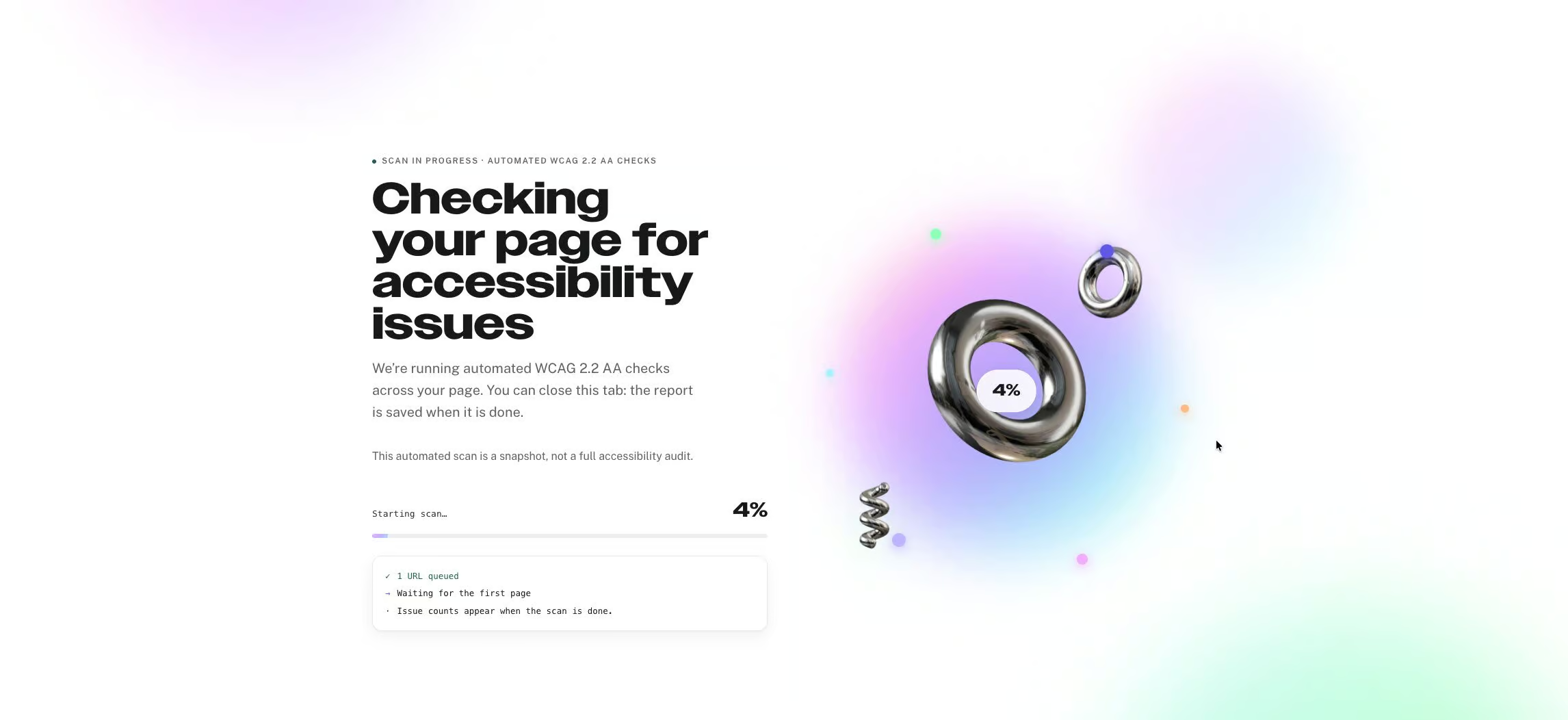
The European Accessibility Act (EAA) has been in effect since 28 June 2025. For many organisations offering digital products and services in Europe, accessibility is no longer something to leave for a future redesign or development sprint.
If your website plays a role in how customers find information, buy, book, apply or interact with your business, now is the time to understand how accessible it actually is.
You don’t need to start with a full accessibility project. Start by checking where you stand.
WCAG compliance should be on your agenda now
Digital accessibility has been gaining importance for years. But since the European Accessibility Act became applicable on 28 June 2025, the topic has taken on a new urgency for many businesses operating in Europe.
The aim is to make digital products and services more accessible to people with disabilities, including people with visual, auditory, motor or cognitive impairments.
The Web Content Accessibility Guidelines, or WCAG, provide the practical framework many organisations use to improve that accessibility.
For your website, that can affect everything from colour contrast and content structure to forms, navigation, links and the underlying code.
Accessibility is therefore not a task for one person or one team.
It touches design, content and development.
And that makes one question increasingly difficult to ignore:
Do you know where your website stands today?
A website can look good and still be inaccessible
Accessibility issues are not always obvious.
A website may look polished, perform well and feel intuitive to the people who built it, while still creating barriers for other users.
A colour combination can look visually strong but provide insufficient contrast.
A navigation can work perfectly with a mouse while becoming difficult to use with a keyboard.
A button can appear self-explanatory on screen but provide little useful information to someone using a screen reader.
A page can have clear visual hierarchy while the underlying heading structure tells a completely different story.
These are not edge cases. They are examples of how the way a website is designed, written and built can influence whether people are actually able to use it.
WCAG is bigger than a technical checklist
One of the biggest misconceptions around digital accessibility is that WCAG is mainly a development issue.
It isn’t.
Developers play an important role, but accessibility can be won or lost much earlier.
In design
Contrast, typography, focus states, interaction patterns and component behaviour all influence accessibility.
In content
Heading structures, link descriptions, instructions, alternative text and the way information is presented can make content easier or harder to understand and navigate.
In development
Semantic HTML, keyboard operation, accessible forms and correctly implemented components determine whether assistive technologies can interpret and interact with your website properly.
That means improving accessibility often requires collaboration across disciplines.
Which, incidentally, is also why waiting until the very end of a website project is rarely the smartest approach.
Accessibility should not wait for your next redesign
“We’ll include it in the next redesign.”
It sounds reasonable. It is also an easy way to postpone accessibility for another year.
Improving accessibility does not automatically mean rebuilding your website from scratch.
Some issues may require structural changes. Others can be addressed much sooner through adjustments to content, design or code.
The important part is to understand where the barriers are first.
Because without that visibility, accessibility remains an abstract ambition instead of something your team can actively improve.
Start by checking where you stand
You don’t need a major project to take that first step.
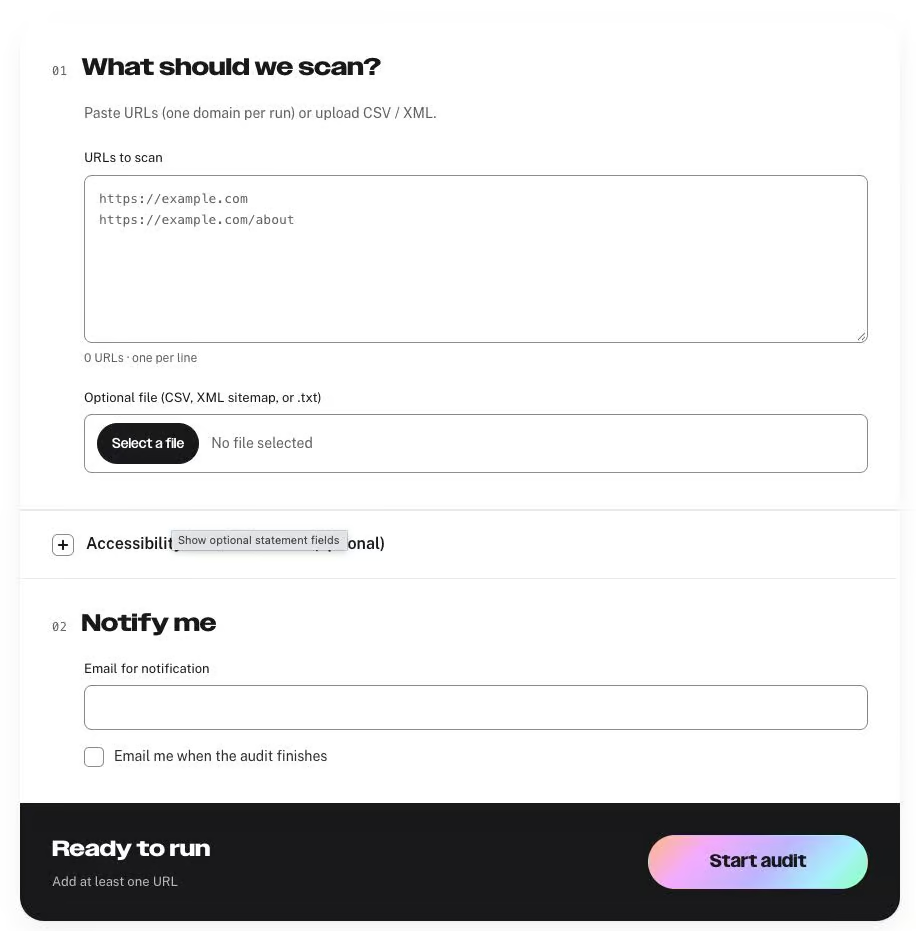
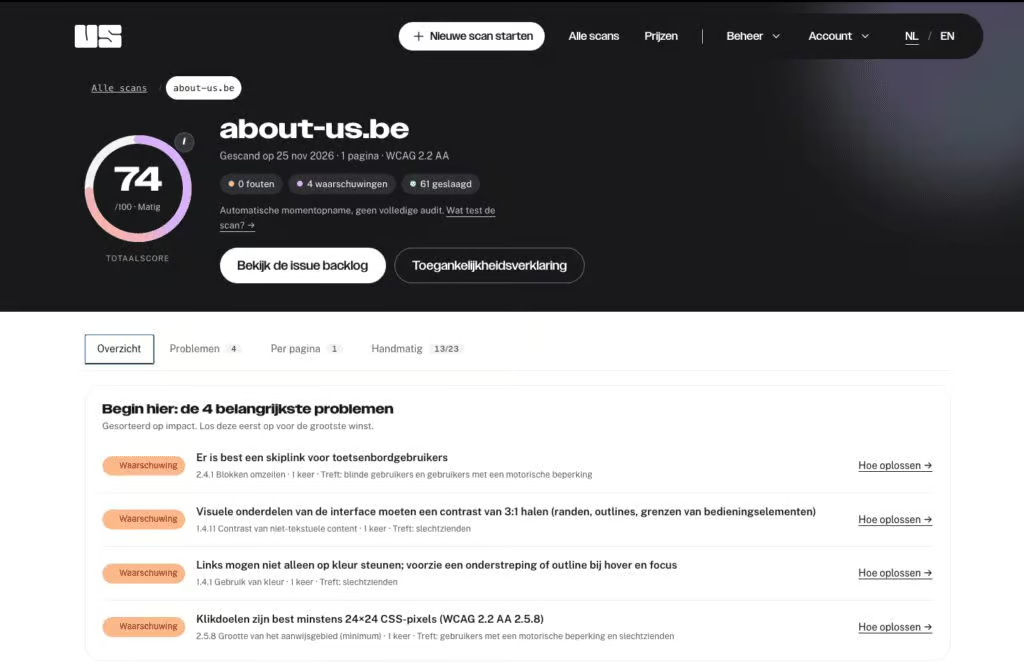
Our WCAG scanner can check a page for accessibility issues that can be detected automatically. One page is free to scan, without creating an account or leaving your contact details.
From there, you can decide what makes sense: tackle the findings internally, investigate more of your website or involve accessibility experts where needed.
Automated testing helps. Human judgement still matters.
Automated testing is valuable because it can identify many accessibility issues quickly and consistently.
But accessibility cannot be reduced to a score from a tool.
Some questions need human judgement.
Is an image description genuinely meaningful?
Are instructions clear enough?
Does a user journey still make sense when someone relies on assistive technology?
Can users understand what they are expected to do at every step?
These things are harder to assess automatically.
So while automated scanning is an efficient way to uncover issues, it should be seen as a starting point rather than proof that an entire website is WCAG compliant.
Make accessibility part of how you work
Accessibility is also not a one-off exercise.
Websites change.
New landing pages go live. Content gets rewritten. Forms evolve. Components are added. Platforms and integrations are updated.
A website that improves today can develop new accessibility issues six months from now.
The more sustainable approach is to make accessibility part of your normal digital workflow.
Consider it when you design.
Check it when you develop.
Keep it in mind when you write content.
Test it before you launch.
And revisit it as your website evolves.
That moves accessibility away from being a compliance project that happens once and towards becoming part of the quality standard for your digital experience.
Don’t wait to find out where your website stands
The European Accessibility Act has applied since 28 June 2025.
For businesses within its scope, the time to start preparing has passed. The focus now should be on understanding your current position and taking practical steps to improve.
And even outside the legal context, making digital experiences more accessible means making them usable by more people.
So if you do not know where your website stands on WCAG today, start there.
Don’t guess how accessible your website is. Check it.
Need more support? Our experts can help assess accessibility issues and turn them into practical recommendations across design, content and development.